An M3U is a simple file or link that contains streaming sources for live TV channels, movies, and series. You load it into an IPTV player, and it lets you watch content instantly on your device.
M3U work on multiple devices, letting you watch live TV, movies, and series easily through IPTV apps.
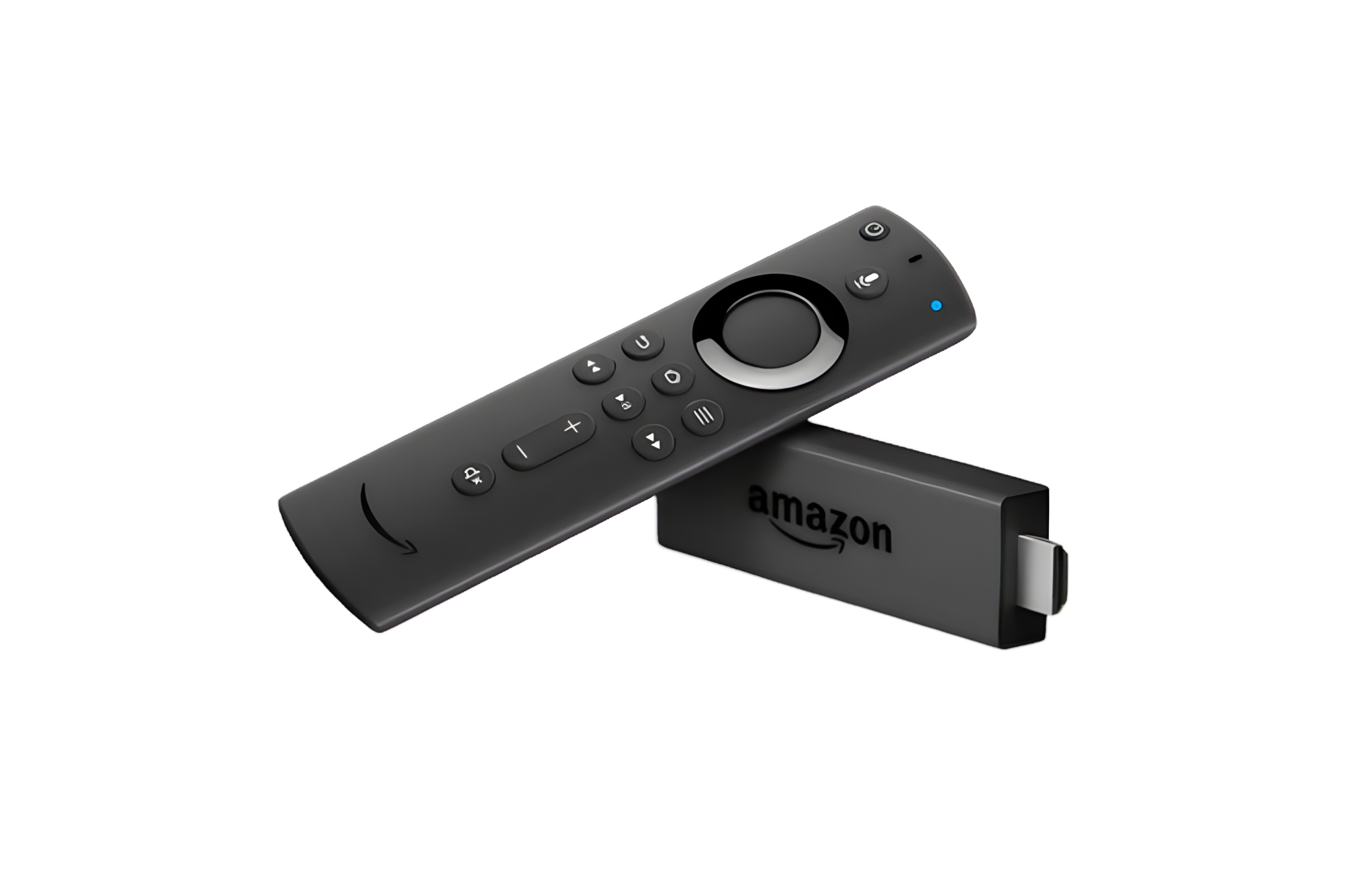
Firestick
Firestick is a popular device for using M3U . It supports many IPTV apps, is easy to install, and delivers fast, reliable performance on any TV with an HDMI port.
Smart TVs support M3U through IPTV apps installed directly on the TV. They provide a smooth viewing experience with large screens, simple navigation, and no need for extra devices.
Windows PCs allow you to use M3U with IPTV players like smarters. This option is ideal for users who prefer watching IPTV on a computer with full control and flexibility.
Stream live TV, movies, and series easily on any device using M3U playlists.
Free M3U
M3U Free Trial
Try IPTV with a free M3U to test streaming quality, channel availability, and device compatibility across different IPTV apps and devices before choosing the plan that suits you best.
Enjoy a smooth IPTV experience with reliable M3U designed for quality, flexibility, and ease of use across all devices.
No VPN Required
Watch your favorite content without using a VPN. M3U work directly with IPTV apps for simple and hassle-free streaming.
Multiple Connections
Use your M3U on multiple devices at the same time. Perfect for families or users who want simultaneous connections.
Best Pricing
Get high-quality M3U at affordable prices. Choose flexible plans that offer great value without compromising performance.
All Devices Supported
M3U are compatible with all IPTV players on Smart TVs, Android, iOS, Firestick, Windows, and more worldwide devices supported.
HD / Full HD / 4K Quality
Stream content in HD, Full HD, and 4K quality for a clear and smooth viewing experience. Optimized streams ensure stable playback at all resolutions.
24x7 Support Service
Get support anytime with 24/7 customer service team. support available to help with setup, questions, or technical issues.
Free Xtream Code
Xtream Codes Login
Xtream Codes is a popular IPTV login method that lets users access live TV, movies, and series by entering a server URL, username, and password into an IPTV app. It offers fast loading, easy setup, and works with most IPTV players on Smart TVs, mobile devices, and computers.
IPTV Smarters Pro is a popular IPTV player that supports M3U playlists and Xtream Codes. It offers a clean interface, fast loading, and works on most devices.
TiviMate is a powerful IPTV player mainly used on Android TV devices. It provides a modern interface, smooth navigation, and excellent performance with M3U playlists.
SmartOne Player is an IPTV app for Smart TVs that works with M3U playlists worldwide supported devices. It delivers stable playback with an easy-to-use interface.
XCIPTV is a lightweight IPTV player designed for speed and stability. It supports M3U playlists, Xtream Codes, and works smoothly across supported devices.
Xtream Player is an IPTV player that supports Xtream Codes login and M3U playlists. It provides fast access to content and smooth streaming on compatible devices.
Top IPTV providers offer a free M3U trial so you can test streaming quality, channel selection, and device compatibility before choosing the right plan.
An M3U playlist is a file or URL that contains streaming links for live TV channels, movies, and TV series. It is used with IPTV apps and players to load and organize content so you can stream it easily on your device.
Free M3U playlists are usually offered for testing purposes and may have limited channels or stability. Paid (premium) M3U playlists provide better streaming quality, more content, regular updates, and long-term reliability.
No, a VPN is not required to use an M3U playlist. You can stream directly through your IPTV app. However, some users choose to use a VPN for personal privacy, depending on their location.
M3U playlists are compatible with many devices, including Smart TVs, Android phones and TV boxes, iPhones, iPads, Amazon Firestick, Windows PCs, and Mac computers, as long as an IPTV app is installed.
Most IPTV players support M3U playlists, including popular apps like IPTV Smarters Pro, TiviMate, XCIPTV, IBO Player, SmartOne Player, and VLC. You simply paste the M3U link into the app.
Yes, depending on your subscription plan. Some plans allow multiple connections, meaning you can stream on more than one device at the same time using the same M3U playlist.
To get started, choose a free or premium M3U playlist, copy the provided M3U link, paste it into your IPTV app, and load the playlist. Once loaded, you can browse channels and start watching instantly.
Testimonials
What Users Say About M3U
Real feedback from users who stream daily with M3U across different devices and IPTV apps.
Very stable M3U with great quality. I’ve tested many before, and this one works smoothly on my Smart TV without buffering.
John M.United States
Best value M3U I’ve used so far. Affordable pricing and the free trial helped me decide before subscribing.
Carlos R.Spain
Easy setup and works on all my devices. I added the M3U to Firestick and Android in minutes and everything runs perfectly.
David K.United Kingdom
Excellent HD and 4K quality. Sports and live TV channels play smoothly with no freezing at all.
Ahmed B.France
Works perfectly with IPTV Smarters Pro and TiviMate. No VPN needed and very easy to use.
Sarah L.Canada
Reliable M3U and fast customer support. They answered my questions quickly and helped with setup.